
Imagine someone spotting a beautiful chair in a café, taking a photo of it, and searching for something similar. Or seeing a hairstyle they like and using Google Lens to find more examples, salons, or articles about it.
Not every search begins with words. Sometimes it begins with a picture.
Now, website owners can learn a little more about how people discover their content through this kind of search.
What's new?
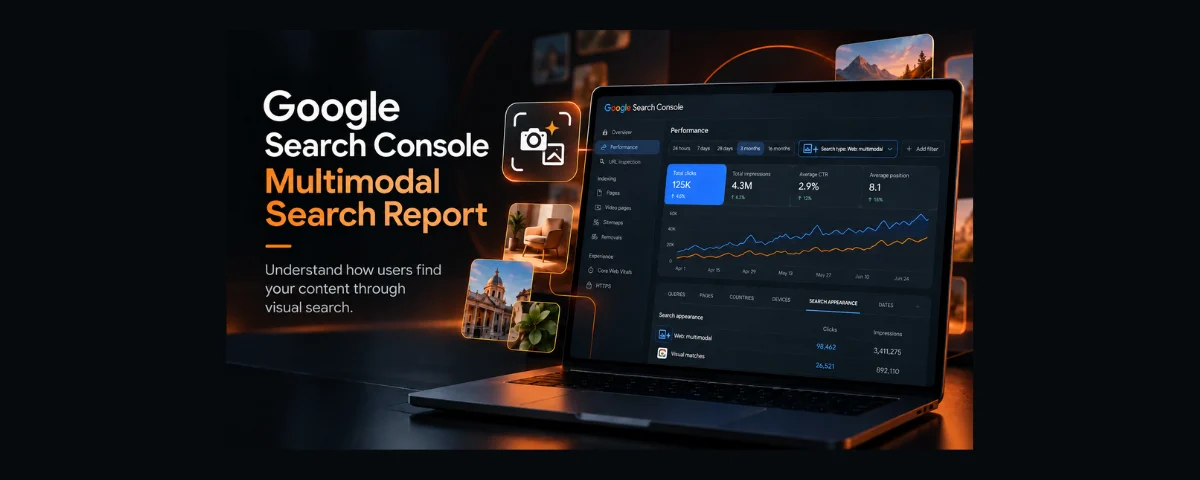
On September 24, 2026, Google announced multimodal search reporting in Google Search Console.
In this context, multimodal search includes searches where someone uses an image as part of their query instead of relying only on typed words.
The new reporting covers searches made through:
- Google Lens — searching with a camera or an existing image;
- Circle to Search — selecting something on an Android screen to search for it;
- image uploads to Google Search;
- Chrome's image-search feature in the context menu.
A new filter in Search Console's Performance reports lets website owners examine this traffic separately.
There is an important distinction: Google Images is where people browse image search results, reported under the Image search type. Multimodal search starts with an image used as a search query — for example, a photo submitted through Google Lens. Search Console treats them as different search types.
Why does this matter for small businesses?
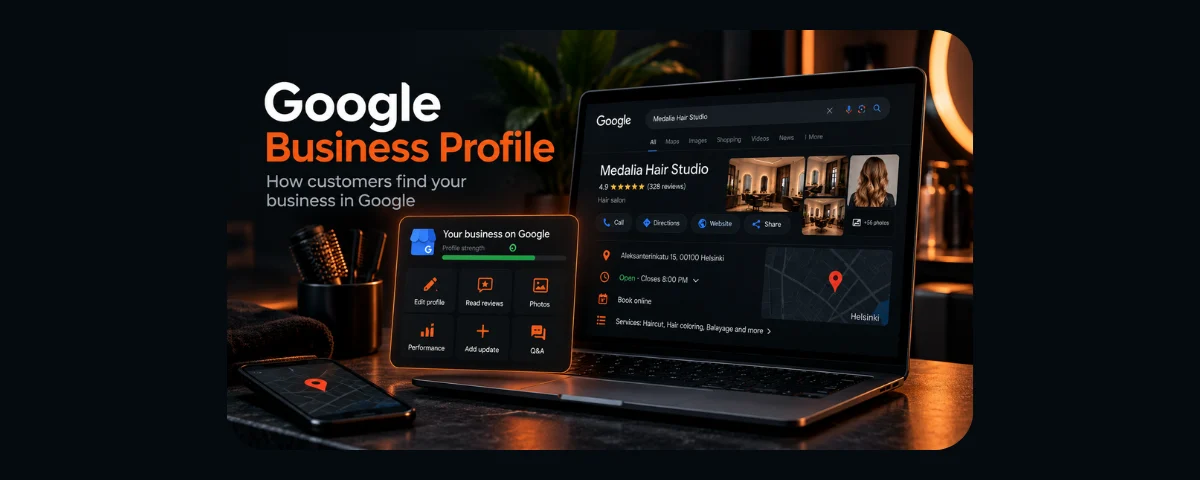
Consider a hair salon in Finland.
Its website features photos of haircuts and colouring work. Someone sees a hairstyle they like and searches with an image to find similar looks.
A page from the salon's website could appear among the results.
The same idea applies to furniture shops, craftspeople, and online stores. Product photography can play a part in searches that start with pictures rather than keywords.
Of course, the new Search Console report does not mean that every photo will suddenly bring in customers. It simply gives businesses another way to understand how visual content contributes to their visibility in Google Search.
Where can you find the new report?
If your website is already connected to Google Search Console:
- Open Google Search Console.
- Select your website property.
- Go to the Performance report.
- Open the Search type filter.
- Select Web: multimodal.
- Review the available metrics and export the data if needed.
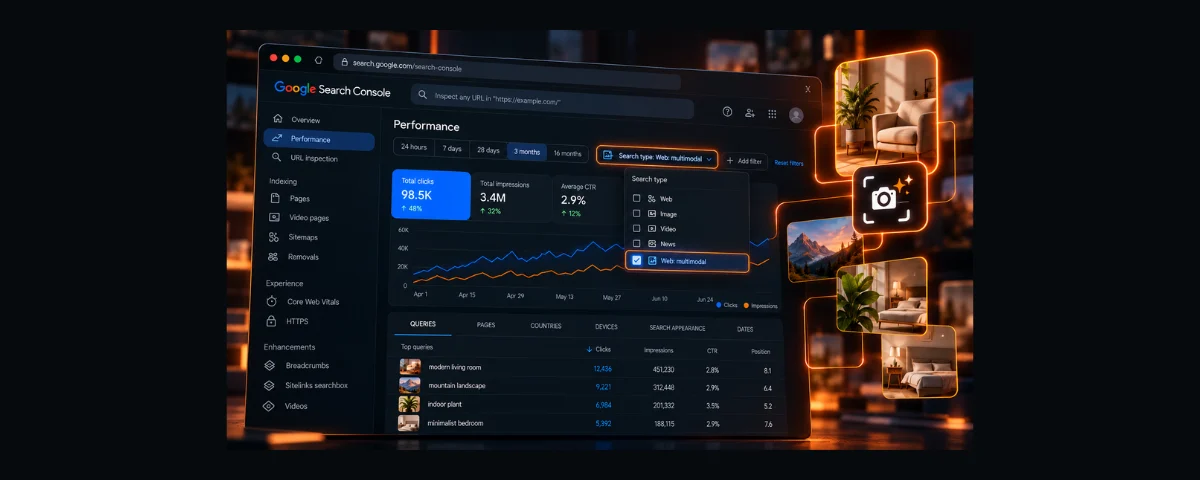
Google has also introduced reporting for AI-powered search features. With multimodal search, you should not expect the usual list of typed search queries, since these searches are primarily based on images. You can still examine the available performance metrics and pages.
What if you see no data? The feature is rolling out gradually, and results depend on whether your site receives this type of search traffic. Check again later. You can also use Search Console to make sure your important pages are indexed. An empty report on its own does not prove that your website has a technical problem.
Do you need to redo all your website photos?
No. This new report is not a reason to rebuild your website or replace every image.
It is, however, a useful reminder to check a few basics:
- Do your images clearly show your products, services, or work?
- Does the surrounding page text help explain what each image shows?
- Do informative images have meaningful
altdescriptions? - Do your photos load reasonably quickly, especially on mobile devices?
The alt attribute provides a text alternative for an image. Its primary purpose is accessibility, including for people using screen readers. For a hairstyle photo, a useful example is alt="Short bob haircut with a soft side-swept finish" rather than alt="hair salon haircut Finland best hairdresser".
Purely decorative images can have an empty alt attribute (alt=""). And even a well-written description does not guarantee that an image will appear in search results.
These are general image best practices, not new requirements introduced by Google's multimodal search report.
A quick checklist
- Open the new multimodal search filter in Search Console.
- If data is available, review the metrics and pages receiving this traffic.
- Check a few important images for quality, surrounding context, and useful
alttext. - Return in about a month to compare the data available then.
The takeaway: Google has added a new way to measure how people discover websites — not a shortcut to higher rankings. If your report is empty, there is no need to rush into changing your site. For small businesses, this is simply another useful piece of the search visibility picture.
Read also
If you're new to the tool, start with “Google Search Console: How to Know If Google Sees Your Website”.
For the bigger picture, see “What Is SEO and Why Does Your Business Need It?”.
Sources and methodology
Primary source: Google Search Central — “Multimodal search performance reporting in Search Console”, September 24, 2026.
Additional references: Search Console Help — Performance report and search type filters and information about query-data limitations in multimodal search.
Article prepared: October 10, 2026.
Information about the new feature is based on Google's official announcement. The salon and shop examples illustrate possible uses and are not verified results from real businesses.